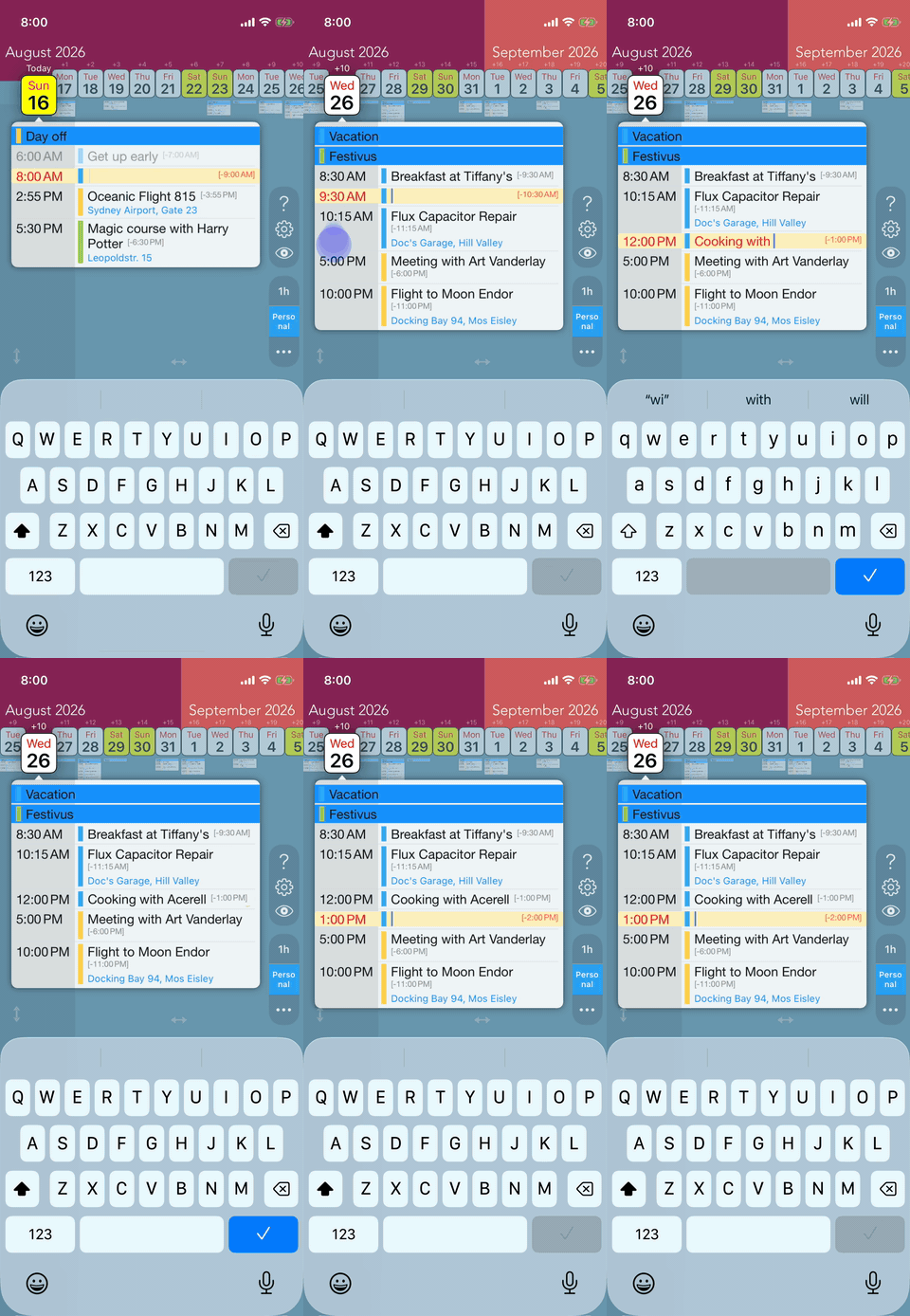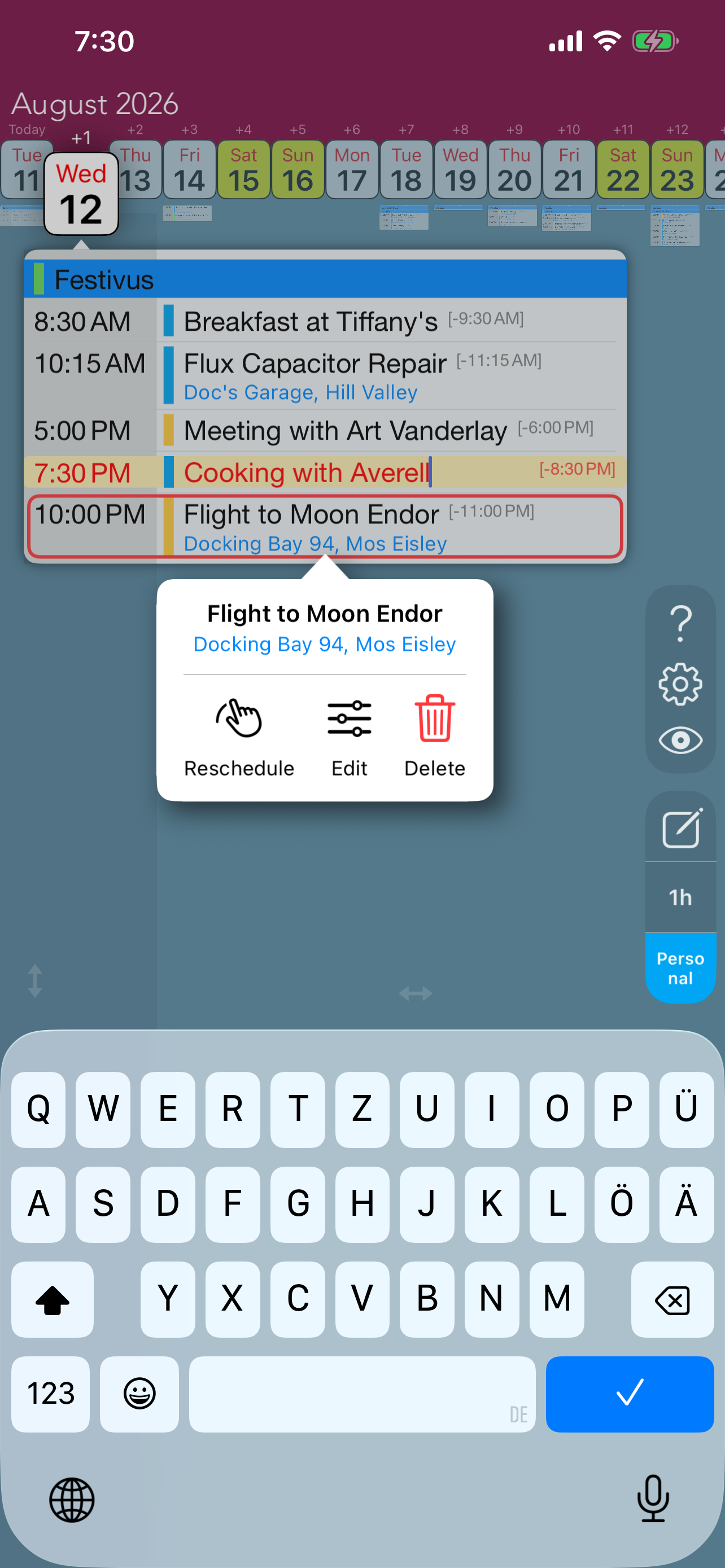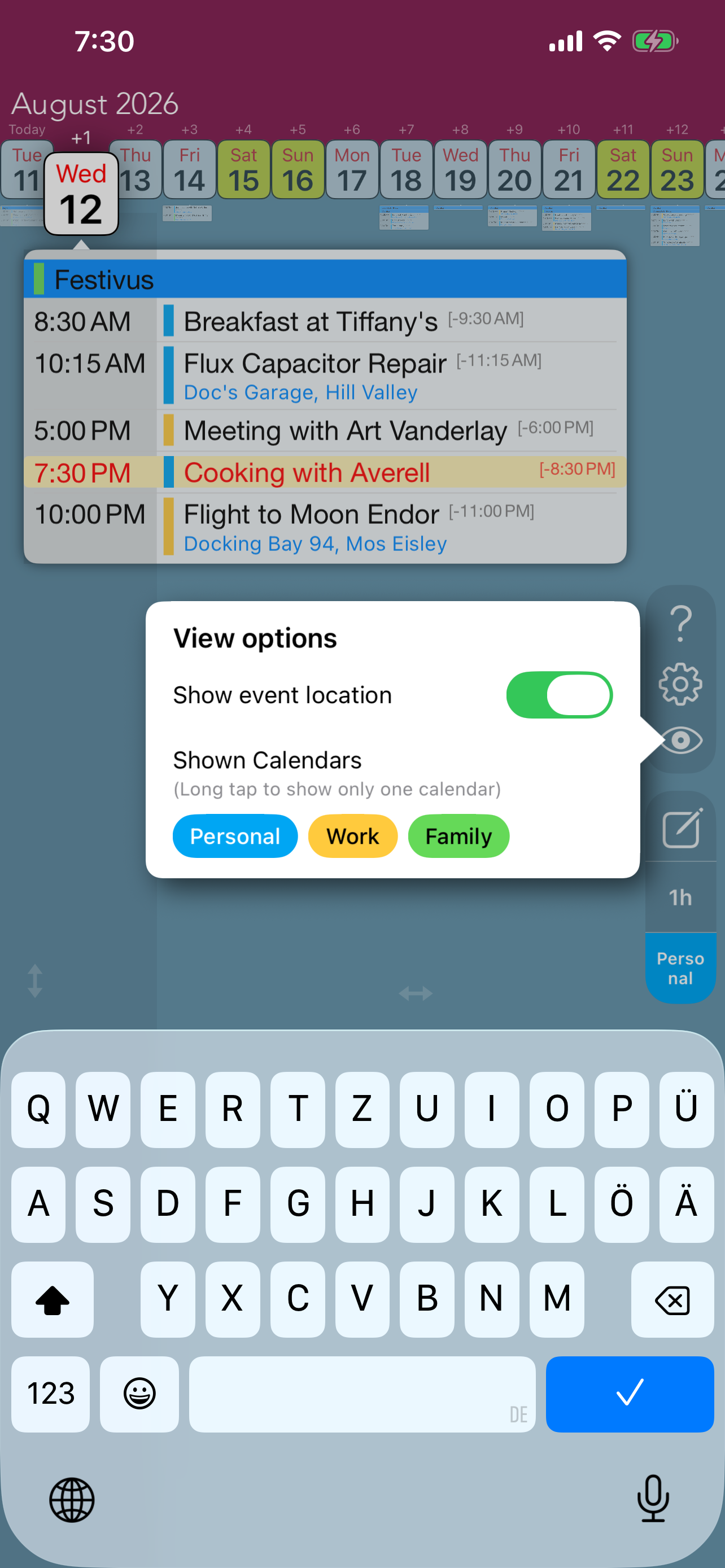

Swipe Calendar is the fastest way to create events on the go. Designed for speed and simplicity, it gets out of your way so you can add events in seconds.
- Launch the app and start typing immediately - the keyboard is ready for you
- Swipe left or right to pick the event’s day
- Swipe up or down to set the time (Swipe all the way up for all-day events)
- Tap the checkmark to save the event